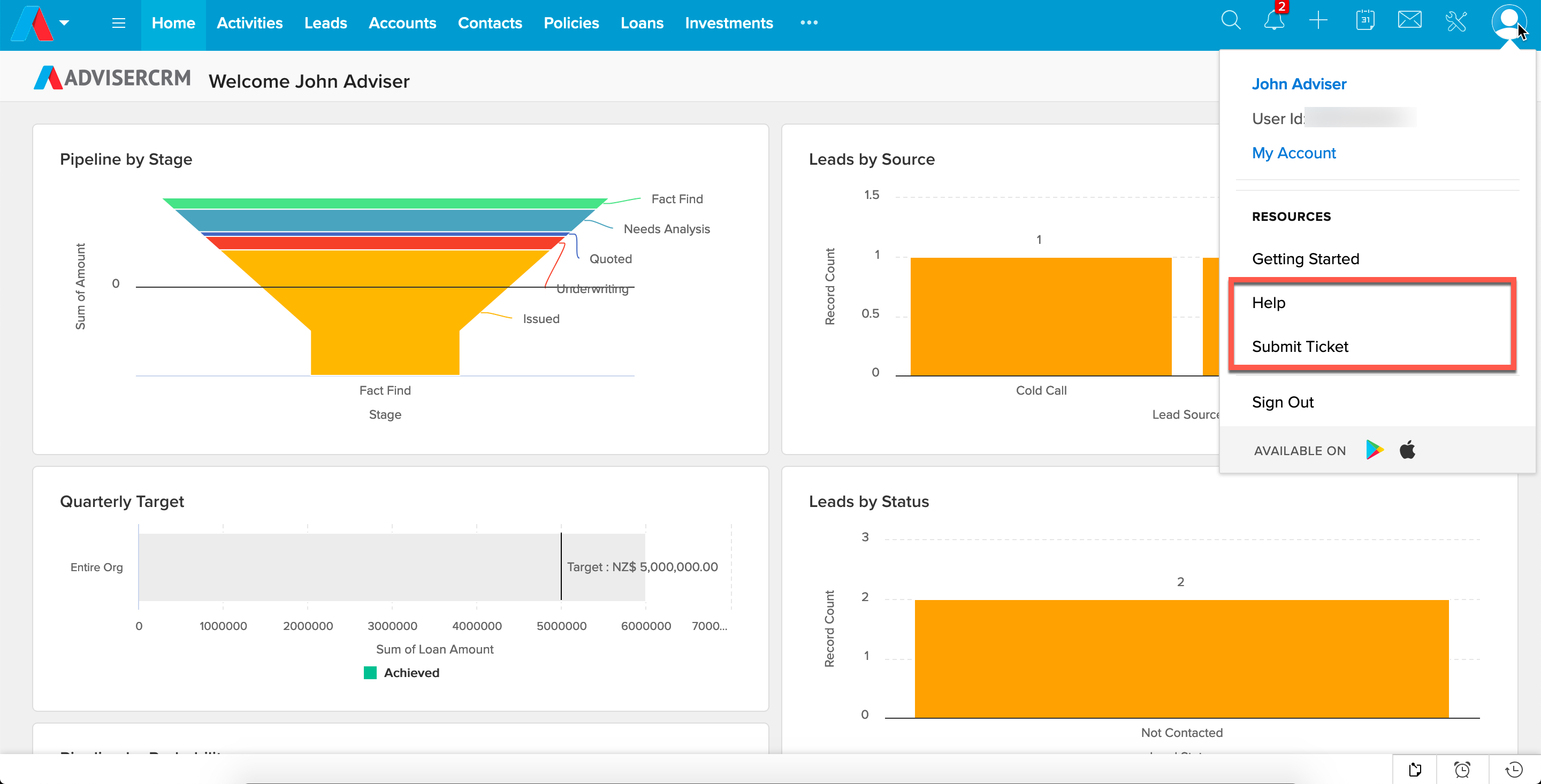
You can access our video tutorials and a range of help articles and documents, as well as send a support request from our team by using the quick menu items inside Advise CRM.
- Help will log you into our portal and take you straight to our User Guide
- Submit Ticket will open a form for you to send an email to our support team
Was this article helpful?
That’s Great!
Thank you for your feedback
Sorry! We couldn't be helpful
Thank you for your feedback
Feedback sent
We appreciate your effort and will try to fix the article